
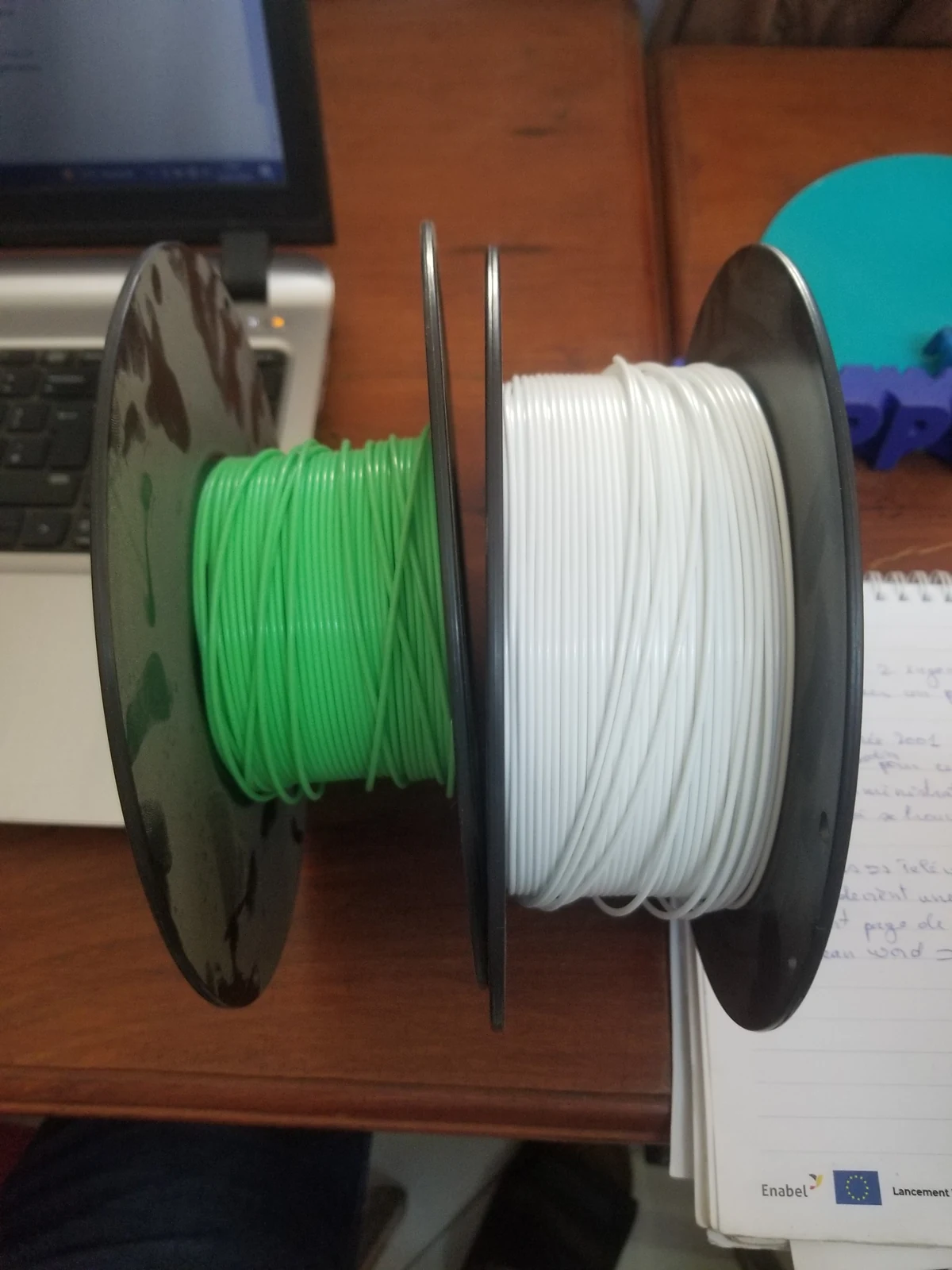
Quick answer: Check filament moisture, correct filament preset, nozzle temperature, nozzle cleanliness, spool feeding and recent hardware changes before making large retraction edits. Stringing and rough extrusion are symptoms, not a single diagnosis.
1. Check Whether the Filament Is Damp
Bambu Lab notes that absorbed moisture can cause bubbles, stringing, poor flow and rough surfaces. If a spool has been open for a long time or suddenly prints worse than it used to, drying it according to the material recommendation is an excellent first test.2. Confirm the Correct Filament Profile
Make sure Bambu Studio is slicing for the material that is actually loaded. A mismatched preset can use temperatures, cooling or flow assumptions intended for another plastic or brand.3. Check Nozzle Temperature
Stringing can increase when molten material flows too freely. If you are using a third-party filament, stay inside its recommended range and tune with small steps. Do not compensate for wet filament by simply lowering temperature until extrusion becomes unreliable.4. Look for a Dirty or Partially Restricted Nozzle
Contamination or a partial clog can disrupt flow and leave rough surfaces. If extrusion looks inconsistent even with known-good dry filament, inspect the hotend and follow the model-specific unclogging procedure rather than poking tools into a hot nozzle at random.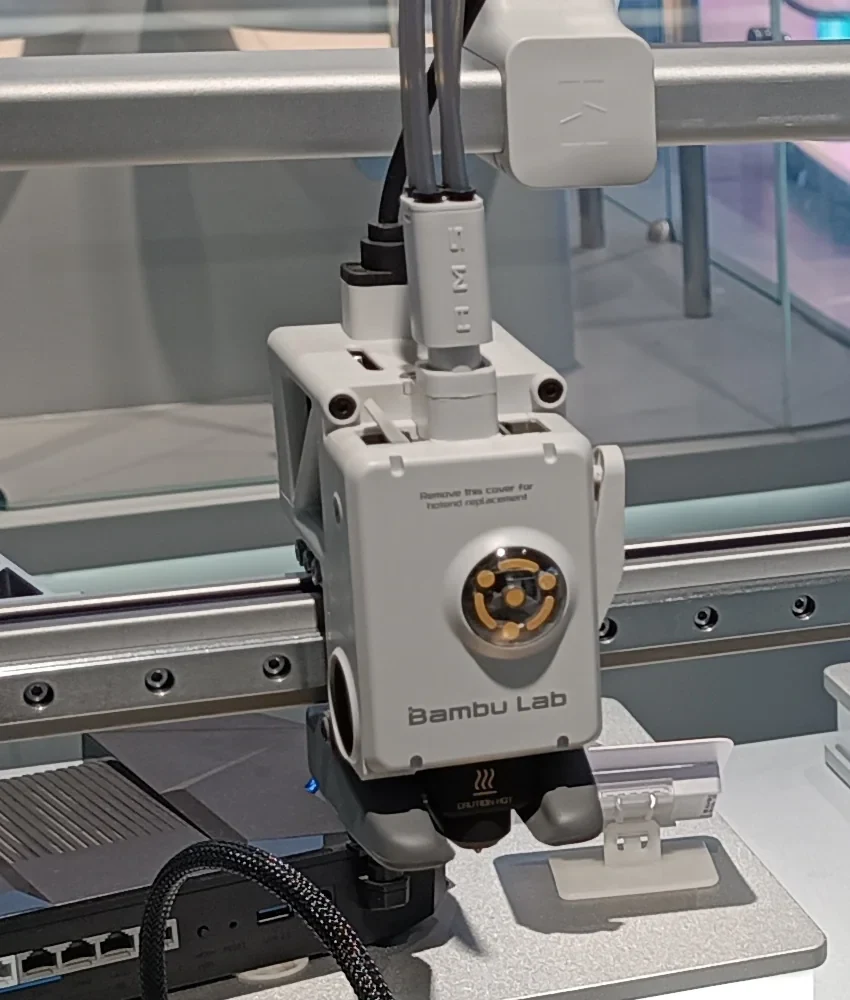
5. Inspect the Filament Path
A tangled spool, excessive drag, damaged PTFE tube or poor feeding can create inconsistent extrusion. Watch the spool during a print and make sure filament can travel freely.6. Think About What Changed
Did the problem start after a nozzle swap, new filament brand, different layer-height profile or firmware/software change? Returning to the last known-good combination is often faster than guessing.7. Print a Small Test
Use a compact test model with travel moves and overhangs. A ten-minute test is more useful than ruining a six-hour print while trying one setting at a time.8. Tune Retraction and Travel Last
Once you know the filament is dry, the nozzle is clean and the correct preset is selected, then slicer tuning becomes meaningful. Make small changes and save a separate user preset so you can return to the original.Frequently Asked Questions
Does stringing always mean wet filament?
No. Moisture is one common cause, but temperature, flow, travel and nozzle condition can also contribute.Can a partial clog make walls look rough?
Yes. Restricted or inconsistent flow can create missing material and uneven surfaces.Should I immediately increase retraction?
No. First verify the material, nozzle and profile. Large retraction changes can introduce new problems while masking the original one.Need a part printed in Canada?
3D Print BC provides FDM 3D printing, prototypes, replacement parts and small-batch production. Visit 3DPrintBC.com to learn more.
Technical Reference
Bambu Lab Wiki: Stringing and Oozing, How to Avoid Nozzle Clogs and Common Print Quality Problems and Solutions.
Need a part printed?
Turn the guide into a real part.
Upload your STL/3MF or tell 3D Print BC what you need. We’ll review the project and help you choose the right material and print approach.