
Quick answer: Popping or sizzling at the nozzle, extra stringing, bubbles, rough surfaces and inconsistent extrusion can all point to moisture. Dry the filament according to the material-specific recommendation and store it in a dry, sealed environment afterward.
Common Signs of Wet Filament
- Popping, crackling or sizzling sounds at the nozzle
- More stringing than the same profile normally produces
- Small bubbles or pits in extruded lines
- Rough, fuzzy or inconsistent walls
- Unexplained changes in flow or surface finish
- Some materials becoming unusually brittle on the spool
Why Moisture Causes Print Problems
Inside the hotend, absorbed water can flash into vapour. That changes the way molten plastic exits the nozzle and can leave tiny voids or irregular extrusion. Bambu Lab specifically notes moisture as a contributor to bubbles, stringing, poor flow and rough surfaces.Drying Filament the Right Way
There is no single safe drying temperature for every plastic. PLA, PETG, PA, PC, TPU and support materials can require different conditions. Use the material-specific drying recommendation rather than copying a random temperature from another filament type.- Identify the exact material and brand.
- Check its recommended drying temperature and time.
- Use a controlled filament dryer or suitable drying equipment.
- Allow the spool to cool in a dry environment.
- Print a small test before changing slicer settings.
Do Not Overheat the Spool
Too much heat can deform the spool, soften filament or create a new problem while trying to solve the first one. Cardboard and plastic spools also have different heat tolerance. Stay within the published guidance for the filament you own.How to Keep Filament Dry
After drying, use a sealed container or dry box with desiccant and monitor humidity if possible. Materials with higher moisture sensitivity benefit the most from being kept dry between prints. If a spool will sit for weeks, do not rely on an open room shelf.Frequently Asked Questions
Can wet PLA cause stringing?
Yes. Moisture is one possible cause of stringing, although temperature, travel and extrusion settings can also contribute.Does the AMS dry filament?
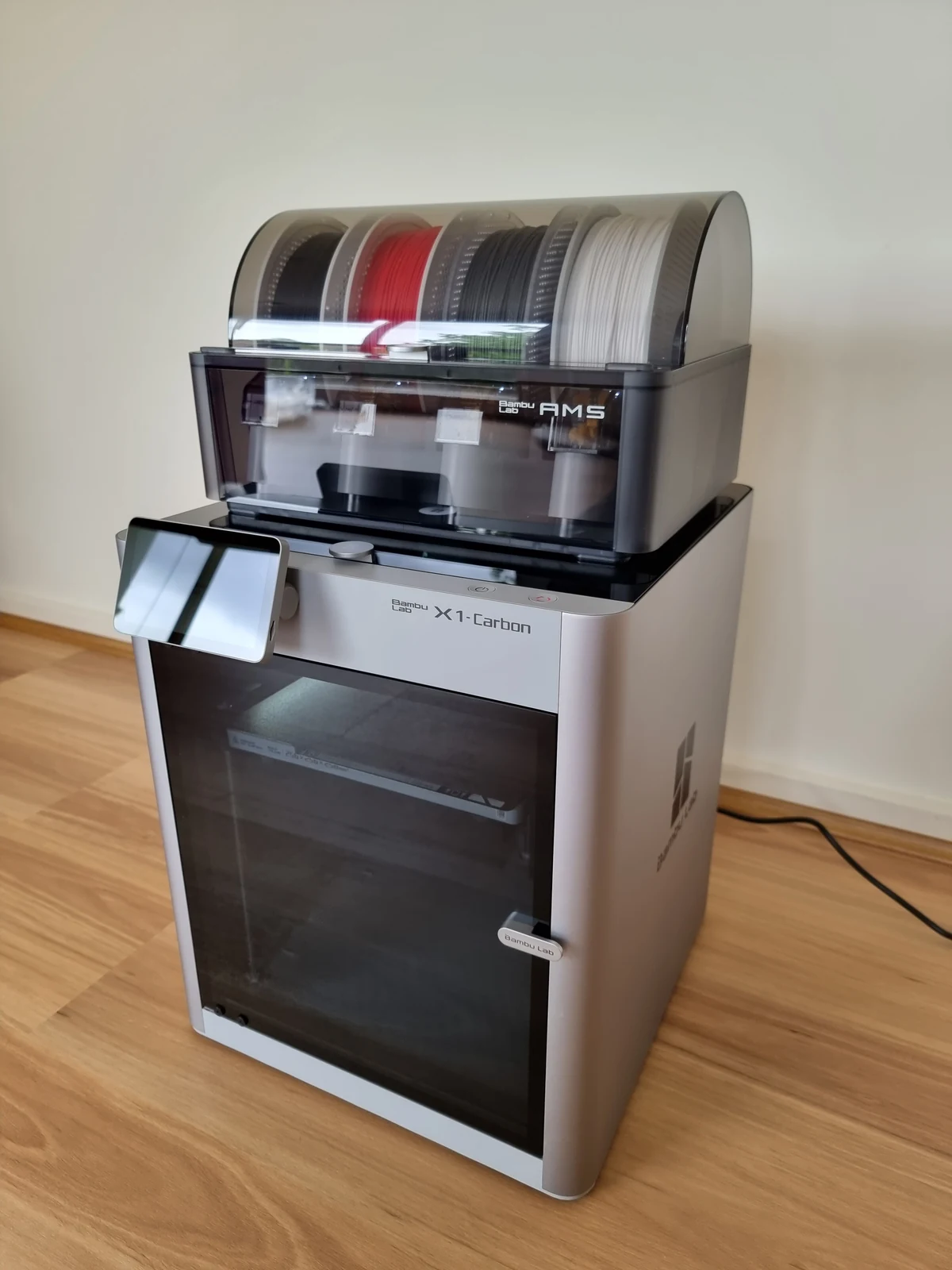
Storage and drying are different jobs. A dry environment can slow moisture absorption, but actively drying already-damp filament generally requires controlled heat according to the material guidance.Should I change retraction before drying a suspicious spool?
Usually it is smarter to eliminate moisture first. Otherwise you can tune the slicer around a material problem and make the profile worse for a properly dried spool.Need a part printed in Canada?
3D Print BC provides FDM 3D printing, prototypes, replacement parts and small-batch production. Visit 3DPrintBC.com to learn more.
Technical Reference
Bambu Lab Wiki: Filament Drying Recommendations, Beginner’s Guide to Filament Usage and How to Avoid Nozzle Clogs.
Need a part printed?
Turn the guide into a real part.
Upload your STL/3MF or tell 3D Print BC what you need. We’ll review the project and help you choose the right material and print approach.